A comprehensive review of the best AI Memory systems
In-depth 2025 review of the best AI memory systems for developers. Compare architectures, features, use cases, and performance
 The Pieces TeamDecember 15, 2025
This guide is a tour of today’s AI “memory” tool – the stuff you need to move beyond quick demos and build production-ready LLM/chat apps that actually remember users over time.
We’ll compare cloud options (like OpenAI, and IBM), open-source frameworks (such as Zep and Fabric), local-first tools (including Pieces and NativeMind), and hybrid setups that mix the best of both.
Understanding AI Memory Systems (and how AI memory actually works)
If you’re building an AI chat app or an agent, “memory” isn’t one thing – it’s a set of layers that solve different problems. Most AI memory tools are basically opinionated ways to store, organize, and retrieve information across these layers so your app can stay coherent in the moment and still remember useful things later.
The main memory layers you’ll run into
- Working memory: What the model is thinking about right now – the current prompt, the current context window, and the latest tool outputs. It’s extremely temporary and disappears after the turn.
- Short-term memory: What keeps a conversation stable within a session – recent messages, temporary state, and thread context. Think “session continuity.”
- Long-term memory: What persists across sessions – stored knowledge and past interactions that can be retrieved later (often via embeddings + search).
- Entity memory: “Facts about the user” (preferences, names, recurring topics, relationships). This is how personalization happens safely and consistently.
- Episodic memory: A compact “story so far” – summaries of past interactions and key events over time, so the agent can recall what happened without replaying everything.
These layers map nicely to what memory platforms actually provide: storage + indexing + retrieval + policies about what gets remembered, for how long, and why. Add to that MCP, and that will be a completely crazy turn.
How short-term memory is typically implemented
Short-term memory is about keeping the agent grounded during an active workflow without bloating the prompt.
Common building blocks:
- Context window management: Use a sliding window (plus lightweight relevance selection) so the model sees the most useful recent information.
- Session state store: Keep thread state and temporary variables in something fast (often Redis or an in-process cache).
- Tool/results cache: Cache function outputs and API responses briefly to avoid repeating calls within the same run.
- Buffer + TTL policies: Set rules like “keep the last N turns” or “expire after X minutes” so short-term memory stays lean.
How long-term memory is typically implemented
Long-term memory is what makes “it remembers me” possible – without dumping your entire history into the prompt.
Common building blocks:
- Vector storage + embeddings pipeline: Turn text (and sometimes code/files) into embeddings and store them for similarity search.
- Entity extraction: Pull out stable facts (names, preferences, roles, tools used) and store them in a structured way.
- Summarization pipelines********: Periodically compress long histories into higher-signal summaries that are easier to retrieve later.
- Retrieval logic (hybrid is common): Combine semantic search (vectors) with filters/metadata and sometimes keyword search for precision.
- Write-back mechanisms: Update memory when new info arrives – ideally with guardrails (dedupe, confidence checks, user correction flows).
So… how do agents use short-term vs long-term memory?
A practical way to think about it:
- Short-term memory keeps the agent effective right now: what it’s doing, what tools returned, what the user just said, what the next step is.
- Long-term memory keeps the agent useful over time: what matters about the user, recurring context, durable knowledge, and past decisions.
In agentic systems, the most important design choice is when to read memory (before planning? before tool calls?) and when to write memory (after every message? only after confirmation? only after a task completes?). This is exactly where AI memory tools differ – some focus on storage, others on policy, workflow, and “memory hygiene.”
In-depth reviews of AI memory tools
Next, we’ll break down leading AI memory systems with a consistent lens:
- What memory layers they support (short-term, long-term, entity, episodic)
- How ingestion, retrieval, and write-back work
- Tooling and integrations for agent workflows
- Best fit users (solo devs, teams, enterprise, local-first)
- Real tradeoffs: accuracy, control, privacy, complexity, cost
Pieces
Pieces is a local-first AI assistant built around one big idea: developers lose time not because they can’t generate code, but because they keep re-finding context. It’s designed to capture the useful crumbs of daily work: snippets, terminal commands, notes, browser research, and chats, then resurface them when you actually need them.
It leans heavily into:
- Working + short-term memory: helping you keep momentum during active tasks (recent context, tool outputs,
“what was I doing?”). - Long-term memory: storing and retrieving useful knowledge across days/weeks/months (snippets, decisions, patterns).
- Episodic + entity-style memory (in practice): keeping track of what happened and why it mattered, so recall isn’t just raw logs, but meaningful context.

That’s the key difference vs many “chat-only” tools: the memory isn’t limited to a single conversation thread.
Why do people choose it
Pieces stands out when the goal is continuity, not just generation. The big wins are:
- Richer context than chat history alone (because it pulls in real workflow signals).
- Privacy posture that starts local, which is a meaningful differentiator versus cloud-native copilots.
- Proactive recall inside developer tools, reducing context switching.
- Project-scoped organization, which keeps memory relevant instead of noisy.
- “Thinking partner” direction (agent-like workflows) that goes beyond passive storage.
How it compares to other alternatives
Pieces is a great fit for individual developers and teams who want an AI assistant that remembers real work context, not just chat threads.
Compared to cloud-first assistants that focus on speed and code generation, Pieces leans into continuity – helping reduce context switching and “context rot” by capturing and resurfacing what you were doing across your tools. Where it really stands out is OS-level context capture, a local-first approach (better privacy and offline-friendly by default), strong IDE + browser integrations, and more “thinking partner” style workflows (like Deep Study).
The main tradeoff is that enterprise governance and admin controls are still developing compared to longer-established enterprise platforms.
Privacy remains a key differentiator – data stays on-device by default, with more control over what gets shared or synced when needed.
Mem0

Mem0 is a developer-first, vendor-agnostic memory layer you embed into your own AI app or agent. Instead of being a full assistant with a UI, it’s more like “memory as a component”: you plug it into your stack so your agent can remember user facts, preferences, and past context over time without locking you into one LLM provider or one database. It’s best for teams building custom AI experiences who want persistent recall, but still want control over infrastructure and architecture.
Mem0 is primarily about long-term and entity-style memory – the “write it once, use it later” layer:
- storing user preferences and durable facts
- writing back new information as it’s learned
retrieving relevant context when the agent needs it
Short-term memory still mostly lives in your agent loop (context windows, session state), while Mem0 helps make memory durable and reusable across sessions.
Why teams use it
- Easy to integrate: library-first with simple APIs, so it can slide into existing LLM stacks without forcing a full platform switch.
- Vendor-agnostic by design: works with different model providers and different storage backends, which helps future-proof your architecture.
- Great for “memory that evolves”: strong fit for agentic apps where memory should update over time – preferences, entities, recurring patterns, and corrected facts.
- Flexible architecture: you decide how strict your schemas are, how you summarize, and how you retrieve – so it can be tuned to your product.
Cons & limitations (the tradeoffs)
- You own the infrastructure: Mem0 doesn’t magically remove ops work—you still need to run storage, retrieval, and monitoring, which adds overhead.
- Quality depends on implementation: retrieval quality is heavily influenced by how you configure embeddings, schemas, pruning/TTL, and evaluation. In other words: good results require good setup.
- Not an end-user product: it’s not a full assistant with a polished UI and workflow capture—it’s a building block, so you’ll still be building the experience around it.
How it compares to alternatives
Mem0 is the better choice when you want a memory component you control – and you’re comfortable owning the plumbing. Compared to “all-in-one” assistants (especially local-first, workflow-capture tools), Mem0 won’t automatically observe your work or provide a full UI. The upside is architectural freedom: it’s easier to adapt to your existing stack, swap models, or change storage providers. The tradeoff is that you’ll need to invest in configuration and operations to get top-tier memory quality.
IBM Memory
IBM’s watsonx ecosystem offers enterprise-ready patterns for conversational and agent memory, especially through watsonx Assistant, plus a lot of research and guidance aimed at organizations that can’t “move fast and break things.” It’s built for large companies that need strong compliance, clear audit trails, and the option to run AI in hybrid setups (cloud + on-prem) where data control is non-negotiable.
IBM’s approach is less “here’s a lightweight memory library” and more “here’s an enterprise system you can govern.” It typically supports:
- Long-term memory tied into enterprise data sources (RAG + structured systems)
- Entity-style memory for controlled personalization (with policies)
- Episodic memory patterns via summarization and conversation history management
And it pairs this with observability and controls so teams can answer: what did the agent retrieve, why did it respond that way, and who changed what?
Why enterprises choose it
- Governance and auditability: strong fit for regulated industries that need controls, logging, and compliance readiness.
- Observability / “AgentOps” mindset: better tooling for monitoring, tracing, and operational oversight than many lighter platforms.
- Hybrid deployment flexibility: options that support stricter data residency and security requirements.
- Enterprise assurances: things like IP/legal assurances (where applicable) can matter a lot for large orgs.
- Research-backed patterns: benefits from IBM’s ongoing investment in enterprise AI workflows and memory approaches.
Cons & limitations
- Heavier platform footprint: adopting IBM memory patterns usually means adopting more of the IBM ecosystem, which adds complexity.
- Steeper learning curve: powerful, but not always the fastest to implement compared to lightweight/open tools.
- Less “nimble” developer experience: improving over time, but often not as quick or flexible as startup tools or open-source frameworks.
- Lock-in and cost considerations: enterprise platforms can introduce longer commitments and higher total cost—worth weighing early.
Read also: IBM outperforms OpenAI? What 50 LLM tests revealed.
How it compares to alternatives
IBM is the “grown-up in the room” option: ideal when governance, observability, and hybrid deployment matter more than speed of prototyping. Compared to open-source memory tools, it’s more complete and controlled, but also heavier to adopt. Compared to local-first developer tools, it’s far more enterprise-oriented, but won’t feel as lightweight or personal.
In short: if the priority is trusted, auditable AI memory in complex environments, IBM is a strong contender; if the priority is fast iteration and minimal overhead, lighter solutions may fit better.
ChatGPT Memory

ChatGPT Memory is OpenAI’s built-in way for ChatGPT to remember useful things about you across conversations, preferences, recurring context, and details you don’t want to repeat every time. It’s aimed at everyday users and knowledge workers who live inside ChatGPT and want the experience to feel more personal and consistent over time, without having to build their own memory system.
ChatGPT Memory mostly acts like entity + long-term preference memory layered on top of chat:
- Entity-style memory: “This is how you like things,” “these are your recurring projects,” “these are your preferences.”
- Long-term continuity: It can draw from past interactions to reduce repetition and keep context stable across sessions.
- Working memory still matters: You’re still constrained by the current context window, so memory helps steer responses but doesn’t replace good prompt/context management.
OpenAI describes memory working in two modes: explicit “saved memories” plus information it can reference from your past chat history (when enabled).
Why people like it
- Seamless user experience: Memory is integrated directly into the ChatGPT interface – no setup, no separate tools to manage.
- Strong user controls: You can see what’s remembered, delete individual memories, clear memory, and turn memory features on/off. ChatGPT can also be asked what it remembers.
- Works across modalities: Because it’s part of ChatGPT, it naturally supports the way people use it day-to-day (writing, planning, voice/image workflows where available).
- Broad adoption and constant iteration: It benefits from being part of a widely used product that’s updated frequently.
Cons & limitations (the tradeoffs)
- Not an API memory primitive: You can’t directly “plug ChatGPT Memory” into your own custom application the way you would with a memory library, developers still need to build their own memory layer for apps.
- Availability can vary: Memory capabilities have rolled out unevenly across plans and regions over time, and different tiers may have different memory depth.
- Less developer/workflow context than local tools: It remembers what happens in ChatGPT, but it doesn’t automatically capture OS-level developer workflow context the way local-first developer memory tools can.
How it compares to alternatives
ChatGPT Memory is a great pick if the main goal is a smoother, more personal ChatGPT experience. It’s especially useful for people who use ChatGPT every day and don’t want to repeat the same preferences, background, or “how I like things” in every new conversation. The setup is basically zero—turn it on, use it, and manage it through the built-in controls.
Pieces, though, is solving a different problem. ChatGPT Memory is mostly chat-centric: it remembers what happens inside ChatGPT and uses that to personalize replies (which is a completely different type of AI Memory).
Pieces is workflow-centric: it’s designed to capture and resurface context from the tools developers actually use (IDE, browser research, snippets, terminal work), which gives it a deeper signal for engineering workflows.
Collaboration is another difference. ChatGPT can support teams in the sense that multiple people can use a shared workspace experience, but it’s not built as a co-editing or shared “developer memory system” in the way knowledge platforms or workflow capture tools aim to be.
On privacy, ChatGPT Memory runs in a cloud product with user-facing controls to view and delete memories, while Pieces’ core differentiator is that it starts local-first by default. Both approaches can be right; it depends on whether you prioritize maximum convenience and a polished chat experience (ChatGPT) or deeper local workflow capture and on-device control (Pieces). If you solely use ChatGPT as an LLM, it might be easier price-wise to go for Pieces since it allows switching mid-conversation and choosing multiple LLMs.
Trynia (Nia)

Trynia (Nia) is an MCP server focused on one thing: helping coding agents understand your actual codebase. Instead of relying on whatever you paste into a prompt, it indexes repositories and documentation so tools like Cursor, Continue, or Cline can pull in much richer, more accurate context. It’s best for dev teams who are already using agent-style coding tools and want fewer hallucinations, better completions, and more “it actually knows our project” behavior, especially with private repos.
Nia is less of a “memory system” and more of a high-signal retrieval layer for source-of-truth documents:
- It strengthens working memory by feeding the agent better context at the moment it’s generating code.
- It can support long-term recall indirectly, but only within the boundaries of what’s indexed (repos/docs).
- It’s not really entity memory or episodic memory—it doesn’t aim to remember user preferences, decisions, or personal history the way broader memory tools do.
Think of it as “RAG for your codebase,” tuned for agent workflows.
Why teams use it
- High-signal context from private repos: pulls relevant files, symbols, and docs so agents stop guessing and start grounding answers.
- Quality lift for coding agents: better context usually translates into better edits, fewer broken suggestions, and more correct references.
- Agent- and editor-friendly: designed to slot into MCP-based workflows and popular agentic coding environments without a ton of friction.
- Focused and practical: it targets a real bottleneck—agents are only as good as the context they can see.
Cons & limitations (the tradeoffs)
- Not a general memory tool: it won’t store user preferences, team decisions, or “why we did this” history unless that’s written in your docs.
- Early-stage tradeoffs: if it’s still evolving, expect some iteration on stability, features, and ops experience.
- Still needs other memory layers: for full agent memory (entities, episodic summaries, cross-tool context), you’ll likely pair it with a broader memory system.
How it compares to alternatives
Nia is purpose-built for one job: making coding agents smarter by giving them deep, accurate codebase context. For teams that already use agentic coding tools, it can feel like an “accuracy upgrade”, less guessing, fewer hallucinations, and better suggestions because the agent can actually reference your repository and docs.
Pieces is solving a different (but complementary) problem. Pieces focuses on personal long-term memory and OS-level workflow context, the wider trail of what a developer was doing across tools, not just what’s in the repo. In a strong setup, the two can work nicely together: Nia handles code/doc retrieval, while Pieces handles personal activity context, notes, snippets, and cross-app continuity.
The tradeoff with Nia is scope. It’s not meant to remember general facts, decisions, or user preferences unless those live in your documentation. It also comes with a more technical setup: you’re configuring an MCP server and wiring it into your agent tooling, so the learning curve is typically moderate to high.
Where Nia shines for collaboration is shared grounding, everyone’s agents can pull from the same indexed source of truth. And because it’s built around private repo indexing, privacy and access control are central to how teams evaluate and deploy it.
NativeMind
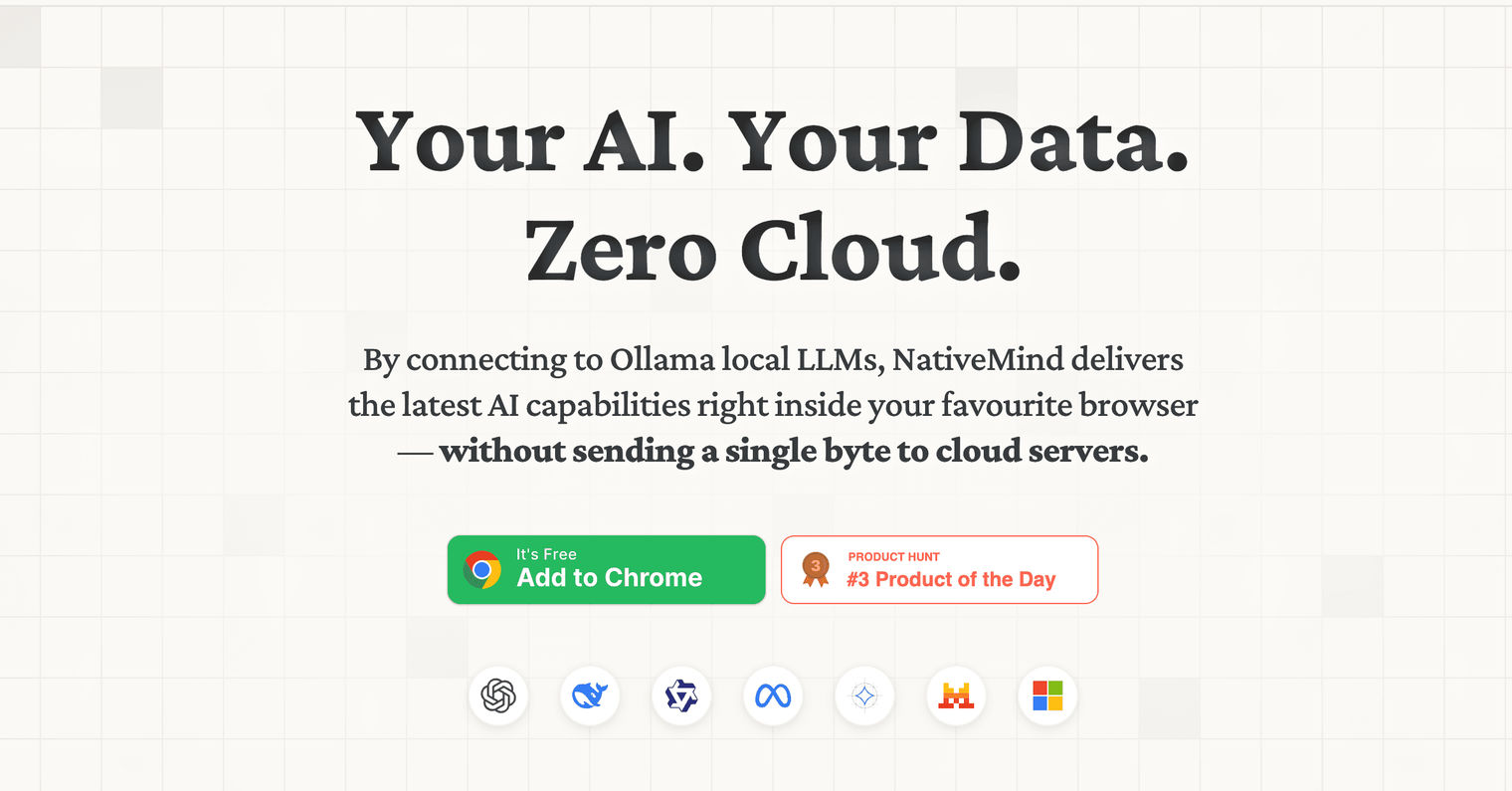
NativeMind is an open-source, on-device assistant that runs locally (often via Ollama) right in the browser. It’s built for people who want a truly local AI experience, no cloud dependency, no accounts, and maximum control over what stays on their machine. It’s a good fit for privacy-sensitive users, developers, and tinkerers who prefer running local models and experimenting freely.
NativeMind is primarily a local runtime for an assistant, not a full memory platform out of the box. In memory terms:
- You get working memory (the current prompt/context window) like any chat assistant.
Anything beyond that – short-term session state, long-term memory, entity memory, summaries – usually requires you to build or wire in storage and retrieval yourself.
So it’s a great foundation, but memory becomes “choose your own adventure.”
Why people use it
- Maximum privacy by default: local-first in the strongest sense—no cloud required.
- Open-source and hackable: easy to customize, extend, and experiment with if you’re technical.
- Great for model experimentation: works well for trying different local models (Llama, Mistral, Qwen, etc.) and seeing what runs best on your hardware.
- Offline-friendly: once set up, it can run without relying on external services.
Cons & limitations (the tradeoffs)
- You own the memory plumbing: storage, retrieval quality, summarization, and “what should be remembered” policies are on you.
- Hardware-dependent experience: performance varies a lot depending on your machine; local models can be resource-heavy.
- Browser/OS constraints: running an assistant in the browser can introduce limits that affect speed and stability on some setups.
- Less polished product feel: compared to mature assistants, integrations and advanced features may feel minimal unless you build them in.
How it compares to alternatives
NativeMind is best for privacy-first users and developers who want to run local LLMs and build a fully local assistant on their own terms. It’s the “maximum control, zero cloud” choice—great for experimenting, hacking, and keeping everything on-device.
Pieces shares the local-first philosophy, but it’s aiming at a different outcome. Pieces comes as a more complete, structured developer memory system with polished integrations, while NativeMind is closer to a lightweight foundation. With NativeMind, you get the local assistant experience, then you typically add your own memory storage, retrieval logic, and quality controls if you want anything beyond a basic chat.
In short: NativeMind is ideal when privacy and customization come first. Pieces is a better fit when you want local-first benefits plus ready-to-use memory, workflow capture, and integrations without assembling everything yourself.
Fabric
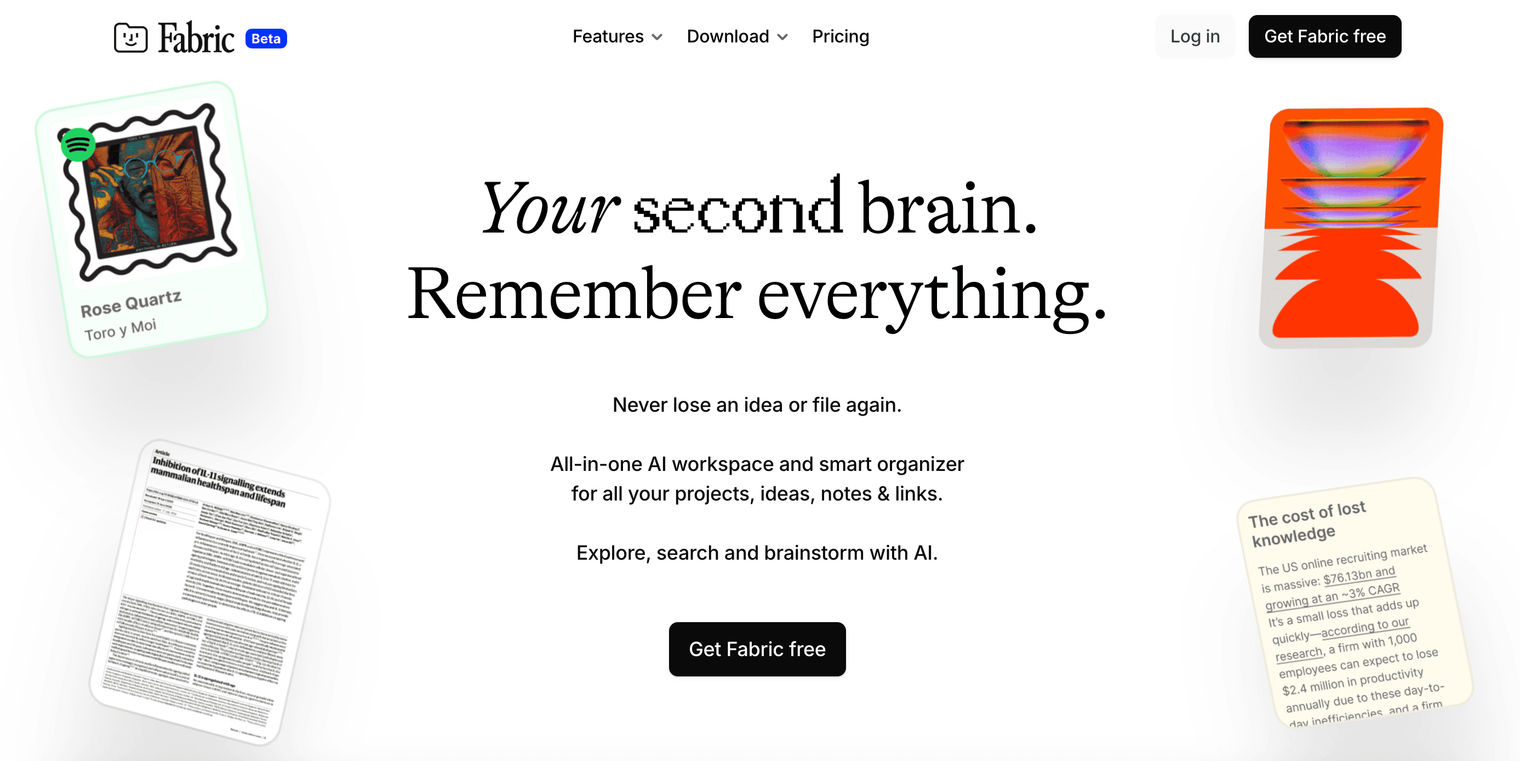
Fabric is an open-source framework/patterns ecosystem for building LLM applications in a very code-first way. It’s not a ready-made “memory tool” or a polished assistant, it’s more like a toolkit that helps developers stitch together prompts, tools, and data sources, including whatever memory approach they want (RAG, summaries, entity stores, custom backends). It’s best for builders who like flexibility, want to experiment quickly, and don’t mind assembling the pieces themselves.
Fabric doesn’t define your memory system – it enables it. In practice, it’s commonly used to prototype or implement:
- Short-term memory patterns (buffers, session state, caching)
- Long-term memory via RAG (vector search + retrieval)
- Episodic memory (summarization pipelines)
- Entity memory (structured “facts about the user/project” stores)
So Fabric is less “the memory layer” and more “the glue” you use to wire memory layers into an app.
Why people use it
- High flexibility: very programmatic and adaptable—you can shape the architecture to your needs instead of working around product constraints.
- Lots of examples and patterns: the community ecosystem makes it easier to learn by remixing working ideas.
- Great for experimentation: strong choice for trying different memory designs (RAG vs summaries vs hybrid retrieval) before committing to a production stack.
- Composable by nature: works well when you want to mix tools, models, and storage backends.
Cons & limitations (the tradeoffs)
- Fragmentation can be confusing: multiple forks/variants can make it harder to know “the standard way” to do things.
- Not turnkey: you still need to bring your own vector DB, caching, summarization, evaluation, and ops.
- More engineering overhead: flexibility is great, but it also means more integration work and more responsibility for reliability, cost control, and quality.
How it compares to alternatives
Fabric is a strong fit for experienced developers and teams who want to build highly customized LLM applications from scratch and experiment with different memory designs. It’s essentially a “build-it-yourself” toolbox: powerful, flexible, and very adaptable—but it expects you to assemble the full stack around it.
Pieces is almost the opposite in approach. It’s a “use-it-today” assistant with built-in developer memory and polished integrations, so you get value immediately without engineering a whole memory system.
Fabric’s biggest strength is its flexibility—you can design exactly the memory architecture you want. The tradeoff is effort: it’s not a ready-made product, so you’ll spend real time building, hosting, tuning, and maintaining components like storage, retrieval, summarization, evaluation, and observability. That also means the learning curve is usually high.
Zep

Zep is an open-source memory platform built specifically for LLM applications. Think of it as “memory infrastructure” for chatbots and agents: it stores chat history over time, can enrich it (like summarizing), and supports retrieval through vector search. It’s best for teams building conversational AI that needs memory to be scalable, consistent, and production-friendly without reinventing the whole memory layer from scratch.
Zep focuses on the application-level memory stack:
- Short-term + session continuity: storing conversation history in a structured way so agents can stay coherent within a session.
- Long-term memory: persisting history across sessions and making it retrievable later.
- Episodic and entity-style support (via pipelines): summarization and extraction can turn raw transcripts into higher-signal memory that’s easier to recall.
It’s less about capturing what happens on a user’s OS, and more about making memory reliable inside your AI product.
Why teams use it
- Purpose-built memory APIs: you get clean primitives for storing, summarizing, and retrieving conversation memory.
- Developer-friendly and framework-ready: designed to plug into common LLM orchestration workflows (so you’re not wiring everything manually).
- Flexible deployment: can be self-hosted or used as a hosted service depending on your needs and constraints.
- Practical enrichment pipelines: features like summarization and entity extraction help convert raw chat logs into more useful memory over time.
- Production mindset: aims for scalable performance and predictable behavior, which matters once you leave the prototype stage.
Cons & limitations (the tradeoffs)
- Ops overhead if self-hosted: running it yourself means monitoring, upgrades, and maintenance.
- You still make key choices: embeddings, models, and parts of the vector setup often remain your responsibility—so there’s still cost and configuration work.
- Not OS-level workflow memory: compared to tools like Pieces, Zep isn’t trying to capture broader developer activity across apps. It’s focused on memory inside LLM applications.
How it compares to alternatives
Zep is a strong choice for teams building conversational AI agents that need a dedicated, scalable backend for chat history, summarization, and retrievable memory. The key thing to understand is that Zep is “memory for your product” — it sits behind your application and helps your agents behave consistently across users and sessions.
Pieces is different by design. It’s an end-user memory assistant for developers, focused on capturing personal workflow context across tools. In practice, the two can complement each other nicely: Zep handles your app’s multi-user memory, while Pieces supports the developer’s own work context and recall.
On privacy and security, Zep depends heavily on how you deploy it (self-hosted vs hosted) and how you manage data handling and access controls. Because it’s API-driven, it can support pretty much any application environment where you can call a backend service.
Wrapping it up
AI memory isn’t a single feature , it’s a stack. The best systems combine short-term continuity (so agents stay on task) with long-term recall (so they learn what matters over time), plus clear policies for when to read, write, and forget. As you saw, different tools solve different slices: some focus on app-level memory backends, others on enterprise governance, and others on codebase retrieval or fully local assistants. The right choice depends on what you’re building, how much control you need, and your privacy and ops constraints.
If you want the fastest way to experience “real memory” in a developer workflow, [try](<https://pieces.app/)>; Pieces — local-first, project-scoped, and designed to resurface the context you’d otherwise keep re-finding.